What’s New in WordLift Agent: A Smoother, Smarter Experience
Discover the latest Agent WordLift release notes with new features, improvements, and updates to help you get the most from our AI.

Your WordLift Agent just got smarter. Now it includes a set of updates that build on its existing capabilities, helping you go deeper on SEO work, create usable outputs faster, and understand your content more like AI search systems do.
Here’s what’s new and how it supports your day-to-day work.
A Smarter Way To Think With Your Agent
The Agent now runs on a more advanced reasoning engine that enhances how it understands context and approaches SEO tasks such as audits, strategy, and reporting, especially when you’re working through more complex problems or decisions.
Instead of choosing a specific model name, you can now decide how much “thinking” you want from the Agent. Use normal mode when you need quick answers with lower latency, and switch to extended thinking when you’re working on deeper analyses such as comprehensive reports, where additional reasoning really adds value.
Download Files Directly From The Chat
When the Agent generates HTML snippets, reports, or other text-based outputs, it can provide a download link directly in the conversation. In some cases, you may need to prompt the Agent to generate the link — but once it’s there, you can download the file immediately.
Instead of copying and pasting content into other tools, you can quickly turn the Agent’s work into something actionable — exporting a report, opening it in your editor, or sharing it with clients or teammates after download.
Query Fan-Out, Now Inside The Agent
Query Fan-Out is a technique that shows how AI search systems break a single query into many related sub-queries, helping you understand how a system expands and interprets a query beyond its original form.
Until now, this analysis lived in a separate Google Colab. You can now run Query Fan-Out directly inside the Agent with a simple prompt.
This gives you a practical way to see which intents you already cover and where gaps remain. You can quickly identify missing angles, strengthen topic coverage, and adapt your content to how AI-powered search systems actually expand and combine queries.
AI Audit, Embedded In Your Workflow
The Agentic AI Audit is also coming into the Agent so you can analyze a page and act on the findings in the same place. The audit checks how ready your content is for AI-driven experiences by looking at elements such as structured data, entities, internal links, and how easily AI agents can access and understand your pages.
Running the AI Audit from within the Agent means you can go from “What is blocking this page in AI search?” to “Let’s fix it” in a single workflow. Ask the Agent to audit a URL, review the recommendations, and then use the same chat to draft improvements, adjust your schema, or plan new content.
Frequently Asked Questions
Do I need to do anything to enable these updates?
No. All of these improvements roll out automatically in your Agent, and you’ll see the new options directly in the interface.
Which thinking mode should I choose?
Use normal thinking for everyday tasks such as quick checks, short answers, and light editing; switch to extended thinking when you’re running page audits, building reports, or asking the Agent to handle more complex, multi-step SEO work.
[Updates –September 2025]
A Refreshed Interface For Better Readability
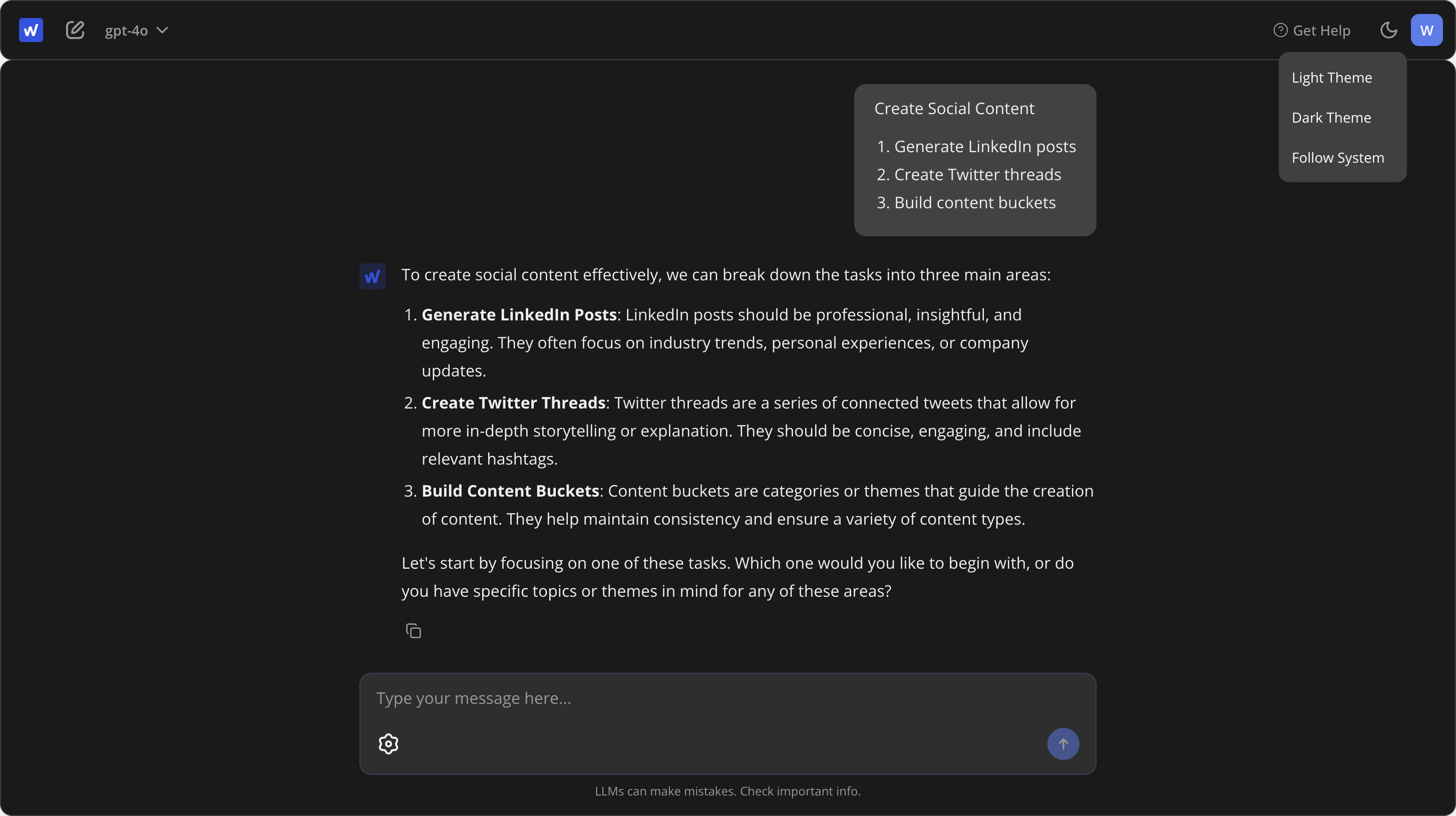
We’ve updated the Agent’s interface to make your conversations easier to follow, helping you find the insights you need more quickly.
- Clearer text distinction: Your messages and the Agent’s responses now have a distinct visual appearance. This makes it much faster to scan a conversation and differentiate between your inputs and the Agent’s analysis.
- Improved tool separation: Tool outputs are now visually distinct from chat messages, making it easier to follow along.
- Light and dark mode support: The Agent now adapts to your preferred theme for a more comfortable reading experience. You can toggle this via the new control at the top of the interface.
A Better Mobile Experience
We have removed the iFrame that previously housed the Agent when using the Platform route. Now, the Agent opens in its own tab, which resolves mobile responsiveness issues. On mobile devices, the previous layout could be cramped; the new standalone tab ensures the Agent works seamlessly on your smartphone or tablet.
Simplified Model Selection
Switching between models is now more intuitive. The model selector has been moved from the Settings menu to the top menu. This allows you to switch models quickly while keeping the conversation in view.
Now Powered By GPT-5
We’ve upgraded the Agent to OpenAI’s latest and most powerful model, GPT– 5. This brings improvements to the quality of its analysis and the range of tasks it can handle.
The Agent can now tackle more complex problems, providing more insightful and actionable outputs for your SEO tasks. With a significantly larger memory (a 400k token context window, up from 128k in GPT- 4o), it can maintain context through longer, multi-step requests. You’ll also notice it’s a more proactive partner; the new model is designed to anticipate your needs and suggest the next steps you can take, helping you move from analysis to action faster.
A New Way To Manage API Keys
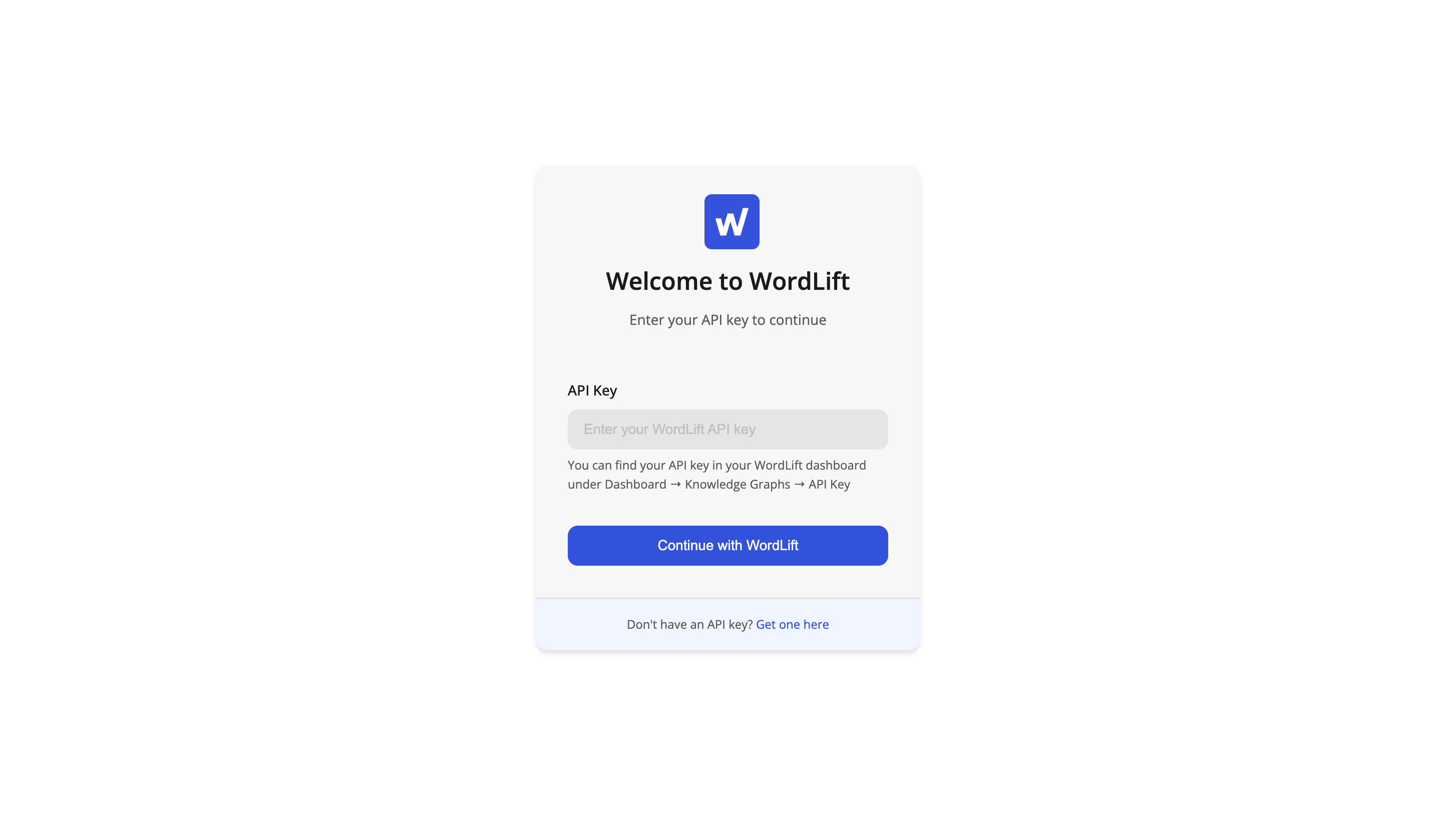
Your API key is now linked directly to your login. To use a different key, you will need to log out and then log back in with the new key.
This is a foundational step that allows us to improve account and key management in future releases. It’s a short-term adjustment that unlocks long-term benefits, including better security and the groundwork for supporting multiple keys per account.
To switch keys:
1. Log out by clicking your profile avatar.
2. Log back in with the new API key.
3. Start a new chat session.
Google Knowledge Graph Tool
A new Google Knowledge Graph (KG) tool has been added to the Agent. You can now query Google’s KG directly, giving you richer insights and entity connections for your data. Simply ask the Agent to fetch KG data for a specific topic, and it will return the structured results. Read the documentation to discover more.
What’s Next
Looking ahead, we’re continuing to work on new features to enhance your workflow. It includes the launch of a chat history to keep track of your previous conversations.
Frequently Asked Questions
Do I need to do anything to enable the new interface?
No, the new interface is enabled by default for all users. You should see the changes the next time you log in.
Why do I have to log out to switch my API key now?
Linking the API key to your login is a necessary step to improve security and prepare for future features, such as multi-key support and better account management. This makes the system more robust and secure.
Experience The New Agent
These updates will be released shortly, and we welcome your feedback once you’ve had the chance to explore them. We’re confident these improvements will make your work in the Agent more efficient and enjoyable.